First steps
Prerequisites
Section titled “Prerequisites”Complete Installation.
Step 2: Run the Potpie setup wizard
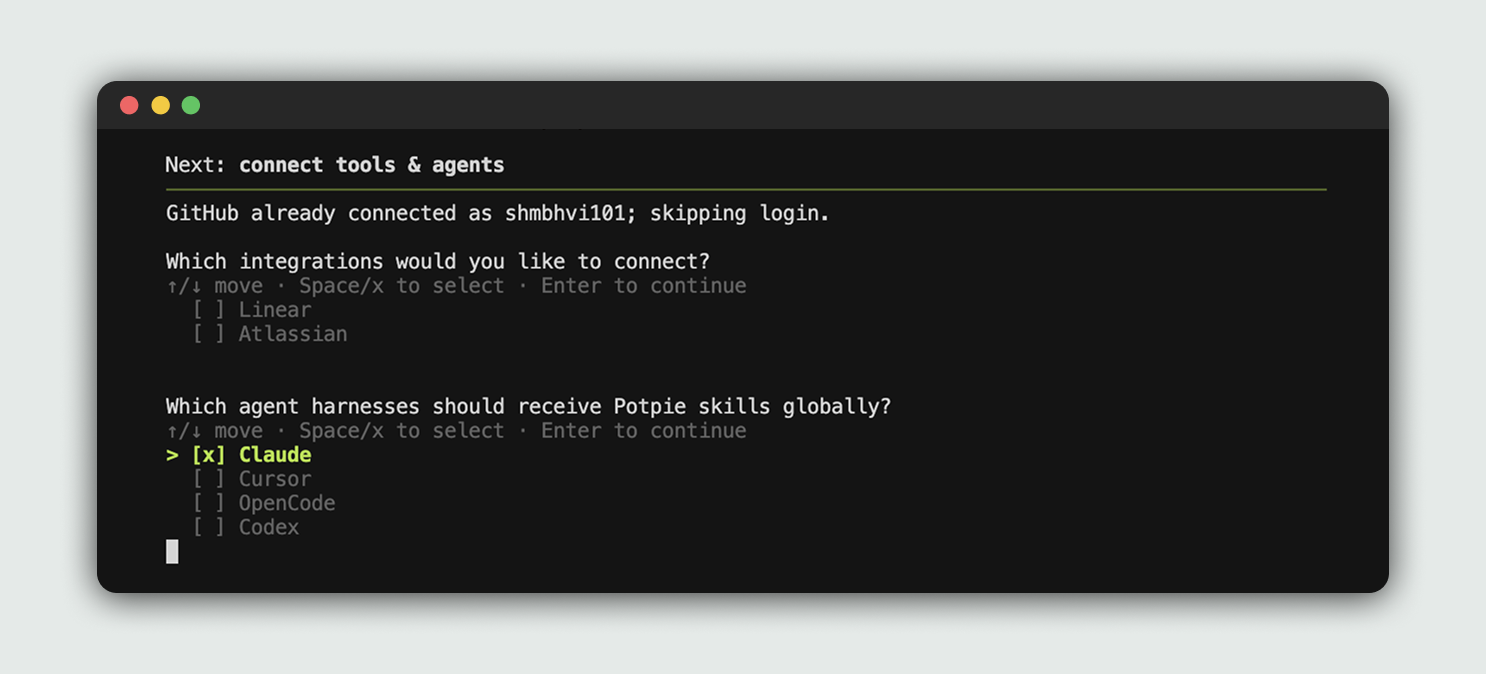
Section titled “Step 2: Run the Potpie setup wizard”potpie setupThe setup wizard provisions local config, storage, the daemon, a default pot, and agent skills. It also lets you choose integrations and the coding harness Potpie should configure.
Step 3: Open your configured harness
Section titled “Step 3: Open your configured harness”Potpie is already integrated into your selected harness. You can start using Potpie with the repo of your choice.
Open your previously selected harness and ask it to use Potpie for the repo.
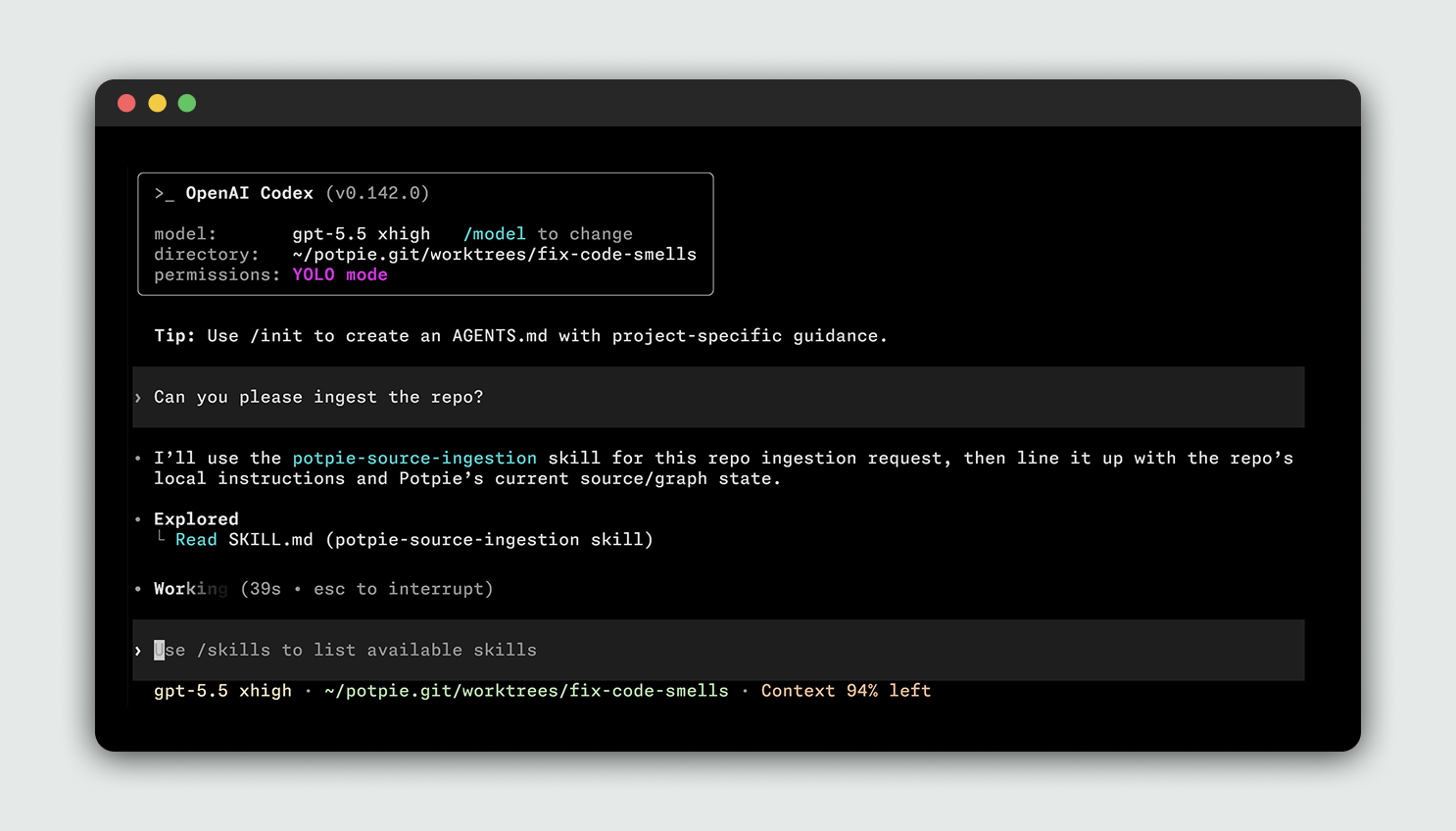
[!NOTE] You don’t need to run a separate manual ingest command. The CLI registers sources and the configured agent can ingest or update project context when the task requires it.
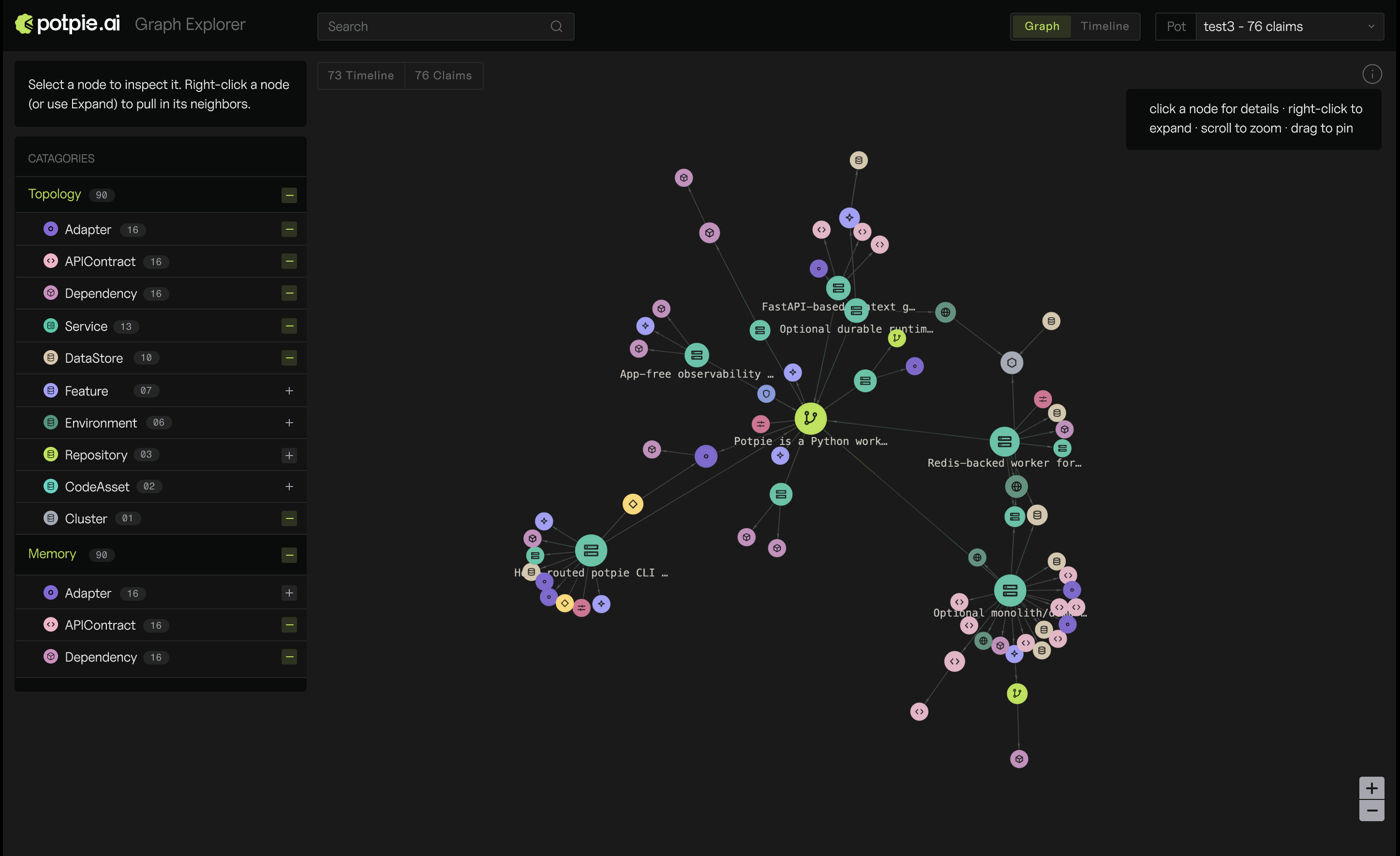
You can view your context graph in the web UI:
potpie uiThis will open a graph explorer in your browser.